 首頁
首頁  導航
導航


 應用說明
應用說明
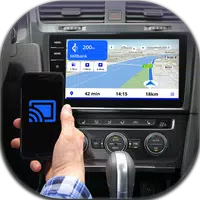
Discover the power of Mirror Link Screen Connector, a user-friendly app designed to seamlessly connect your phone to your car's display without any messy cables. This advanced mirror link technology lets you stay focused on the road while enjoying full access to your smartphone's features. Mirror your phone to your car screen, as well as to home TVs and other compatible devices, for a truly integrated experience. The app automatically manages your music playback when you get in or out of your car, reducing distractions. With straightforward screen mirroring for Android, this tool is essential for every modern driver.
Main Features of Mirror Link Screen Connector:
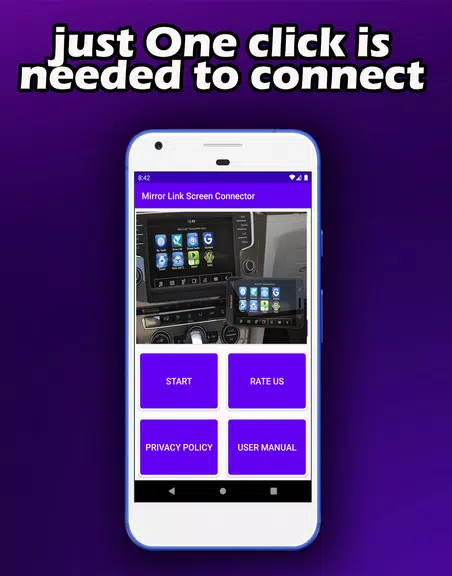
- Cable-Free Setup: Wirelessly link your phone to your car display, home TV, or other devices without any physical connections. This wireless design offers flexibility and convenience for multiple screen mirroring scenarios.
- Easy Screen Mirroring: Use the screen mirroring feature on your Android device to show your phone's interface on a bigger screen, such as your car's display, making it easier to view and interact with content.
- Connect to Multiple Devices: Beyond your car, the app works with a variety of compatible screens, letting you mirror your phone for different uses and environments.
User Tips and Guidance:
- Make sure Bluetooth is turned on for both your phone and the car screen before starting the connection process with Mirror Link Screen Connector.
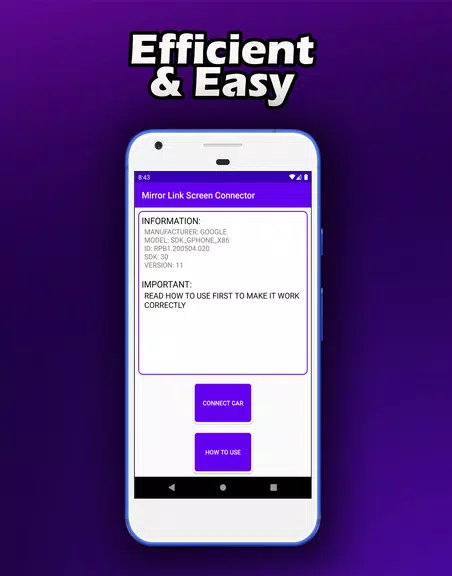
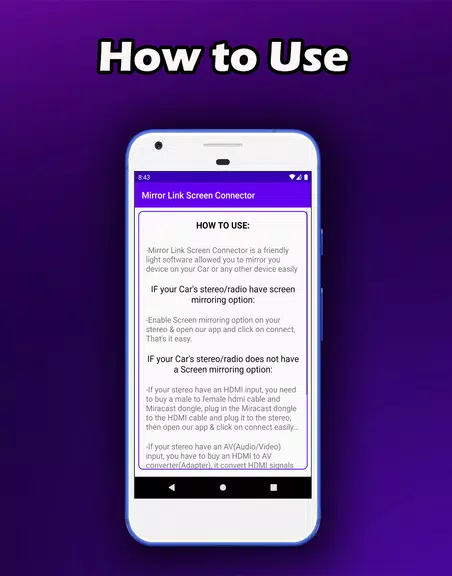
- Follow the in-app instructions carefully to create a stable and reliable link between your phone and the target screen.
- Try out the app's different settings and features to personalize your mirroring setup according to your needs.
Final Thoughts:
Mirror Link Screen Connector is a flexible and easy-to-use app that makes wireless phone-to-screen connections simple. Thanks to its screen mirroring functions and support for multiple devices, it offers a practical way to display your phone on various screens. Try it now to enjoy hassle-free phone mirroring wherever you go!
螢幕截圖
 用戶評價
發表評價
Mirror Link Screen Connector 類似應用
用戶評價
發表評價
Mirror Link Screen Connector 類似應用
-
 Tsridiopen-3D CAD view& edit下載
2.2.1 / 15.00M
-
 超級分享-WiFi高速傳輸下載
1.3.18 / 11.44M
-
 Strobe下載
5.4.2880 / 6.07M
-
 ListenWIFI下載
5.1.8 / 37.00M
最新文章
-
《忍者龍劍傳4》開發組承諾:新手可透過工具自主訓練提升遊戲水平 Oct 05,2026
我們已分享了對《忍者龍劍傳4》的專業觀點,但對於那些新接觸該系列的玩家而言呢?這部以難度著稱的動作系列的最新作品,是否能為新手提供足夠的上手內容?如果你不熟悉隼龍或八雲,能否跟上其敘事?這是我參加gamescom 2025期間,Team Ninja的平山正和與PlatinumGames的中尾裕二(本作聯合總監)訪談前的看法,此次合作由Xbox Game Studios發行。在閉門演示中,當 Nakao 在大螢幕上完美擊敗一名Boss時,我驚歎於眼前流暢且高速的忍者戰鬥——但同時也感到望而生畏。
作者 : Michael 看全部
-
《亞特蘭之水晶》預註冊與預購開啟 Oct 05,2026
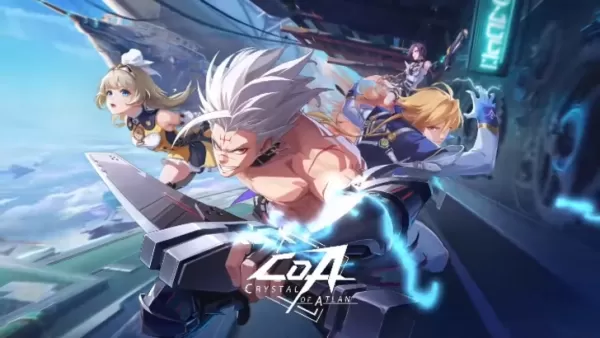
在《Crystal of Atlan》中體驗連擊組合,並從多種職業中選擇!繼續閱讀以瞭解如何預註冊或預購遊戲、各平臺可用性以及價格詳情。← 返回 《Crystal of Atlan》主條目Crystal of Atlan 預註冊《Crystal of Atlan》現已可在 Epic Games Store、Google Play Store 和 Apple App Store 進行預下載,正式發售日期為 2025 年 5 月 28 日。預註冊遊戲的玩家將收到基於總預註冊人數的各種獎勵。包括以下內
作者 : Aria 看全部
-
亞特蘭大水晶釋出日期公佈 Oct 01,2026
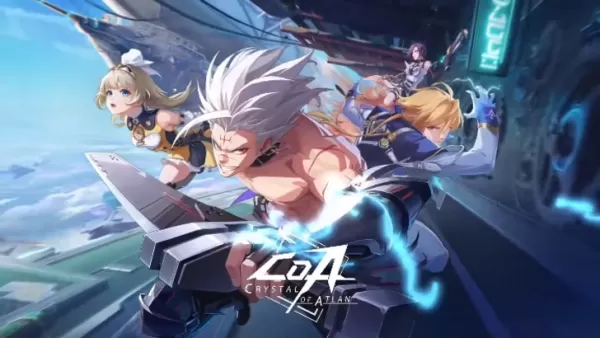
在《Crystal of Atlan》中,玩家將揭開阿特蘭破碎過去的謎團。以下是其官方釋出日期、可用平臺以及開發里程碑。← 返回 Crystal of Atlan hubCrystal of Atlan Release Date and Time全球釋出:2025年5月28日 UTC時間凌晨3:00《Crystal of Atlan》將於 2025年5月28日 在 UTC時間凌晨3:00(美國東部時間5月27日晚上11:00 / 太平洋時間晚上8:00)全球上線,支援 PC、PS5、Androi
作者 : Isaac 看全部
專題
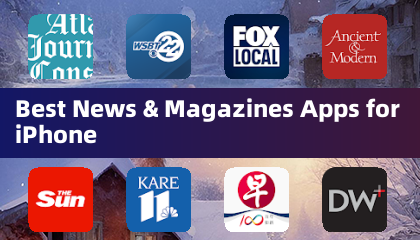
隨時了解 iPhone 上的最佳新聞和雜誌應用程序! 這個精心策劃的合集包含頂級應用程序,如 AJC News、WSBT-TV News、FOX LOCAL: Live News、Hymnscient & Modern、The Sun Mobile - Daily News、KARE 11 News、聯合早報 Lianhe Zaobao、DailyWire、NBC4 Columbus 和UP 新聞,北方邦新聞。 獲取突發新聞、深入報道和多樣化觀點,一切盡在您的指尖。立即下載您最喜歡的內容並與世界保持聯係。


 最新應用
最新應用


 熱門應用
熱門應用




 熱門新聞
熱門新聞
- 如何在刺客信條陰影中快速獲取知識點 Apr 06,2025
- 如何在Monster Hunter Wild中使用狩獵角:所有動作和連擊 Mar 15,2025
- 克里斯·埃文斯(Chris Evans)確認沒有返回漫威的複仇者聯盟 Apr 18,2025
- “勝利熱集會:Retro Arcade Racer在Android上發射” Apr 09,2025
- 如何觀看美國隊長:勇敢的新世界 - 放映時間和流媒體發布日期 Apr 18,2025
- 如何在迪士尼Dreamlight Valley中烹飪大蒜蒸汽貽貝 Mar 30,2025
- Zenless Zero:2025年3月的主動促銷代碼 Mar 15,2025
- 宣布的Zenless Zero Zero配音演員替代者 Mar 13,2025
